
How to make concert friends (and find who was at the same gig)

The people you meet in the queue are the best ones. Here is how to keep them — in the room, in the app, and after the lights come up.

How to make concert friends (and find who was at the same gig) — Radar gig diary
Social: How to make concert friends (and find who was at the same gig)

The queue is the easy part
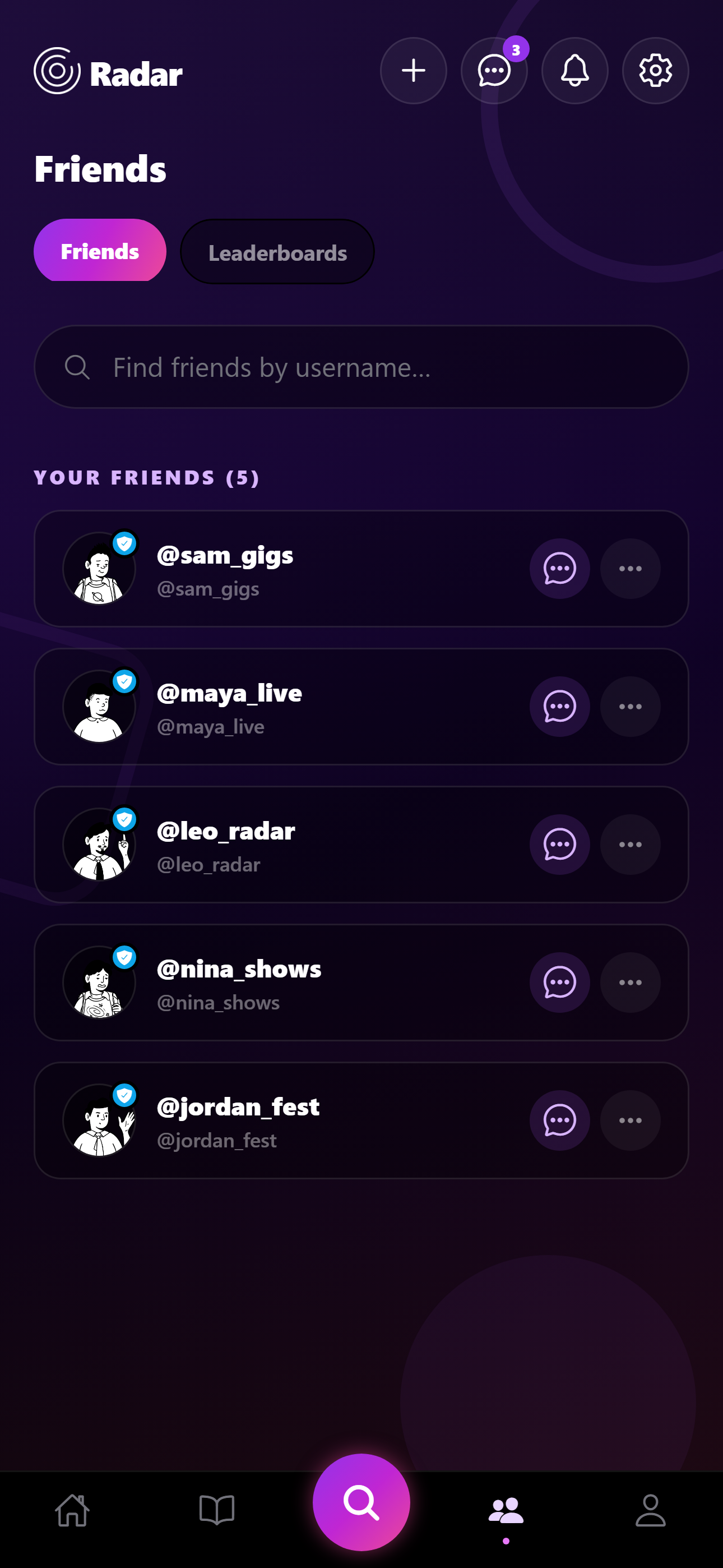
How to make concert friends (and find who was at the same gig) — Radar social screen
How to make concert friends (and find who was at the same gig) in the Radar app.

Talk to the person who also arrived two hours early. Trade one actual opinion about the support act. That is enough to be recognisable at the barrier next time.

The hard part is not losing them after. Instagram is a weak gig graph. A diary that shows shared shows is a stronger one.

Find overlap after the night
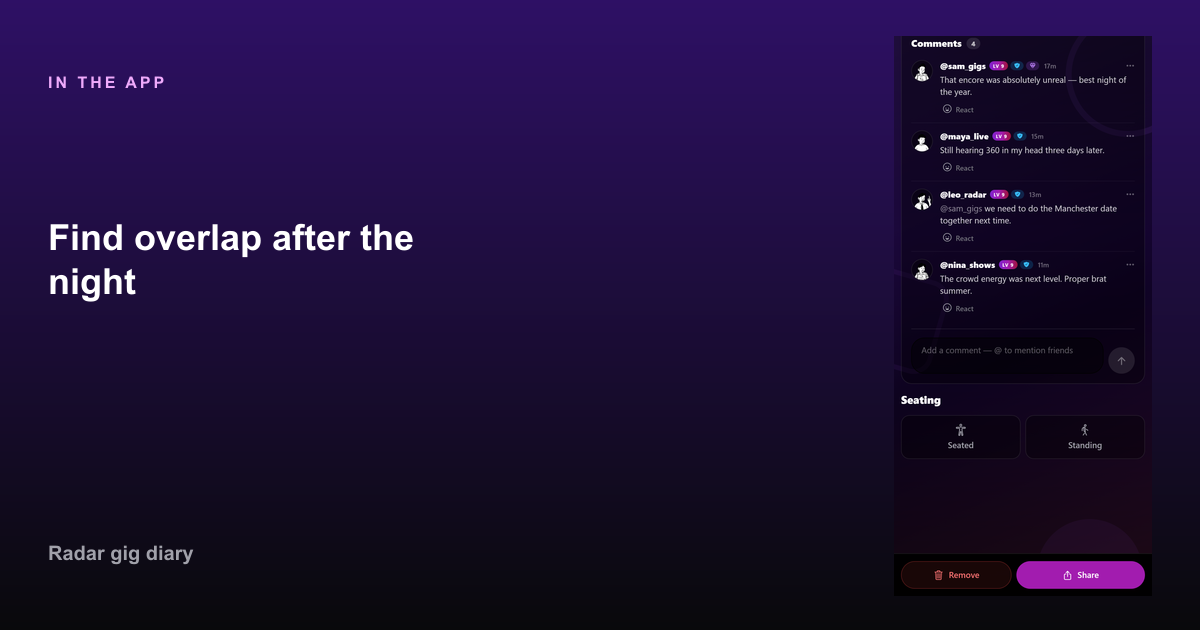
Find overlap after the night in Radar — How to make concert friends (and find who was at the same gig)
Find overlap after the night in Radar.

Radar shows friends who were at the same gig on past show pages, and shared gig counts on profiles. That is how “we keep bumping into each other” becomes a list you can see.

Free direct messages mean you do not need another WhatsApp group for every bill. Pro event chats help when a whole crew is going.

Taste match without being weird

Do not open with your full diary dump. Share one upcoming gig you are both likely to want. If they log it too, you have a real overlap.

Concert friends last because the hobby is expensive and specific. Logging the night is how you still have the receipt.

FAQ

Common questions

How do I find people who went to the same concert?
In Radar, friends who logged the same show appear on that gig. Shared show counts sit on friend profiles.
Is there an app for concert buddies?
Radar includes friend overlap, tags, and messages so you can keep gig friends without a separate social network.

Start your gig diary

Free on iPhone and Android. Log your first ten gigs, then upgrade to Pro for unlimited history, the map, and Wrapped.

See all features →