
Organize concert photos without camera-roll chaos

Stop dumping 400 phone photos into Recents. Attach shots to the gig they came from — artist, venue, date — so you can find them in a year.

Organize concert photos without camera-roll chaos — Radar gig diary
Photos: Organize concert photos without camera-roll chaos

The camera roll is a terrible gig archive
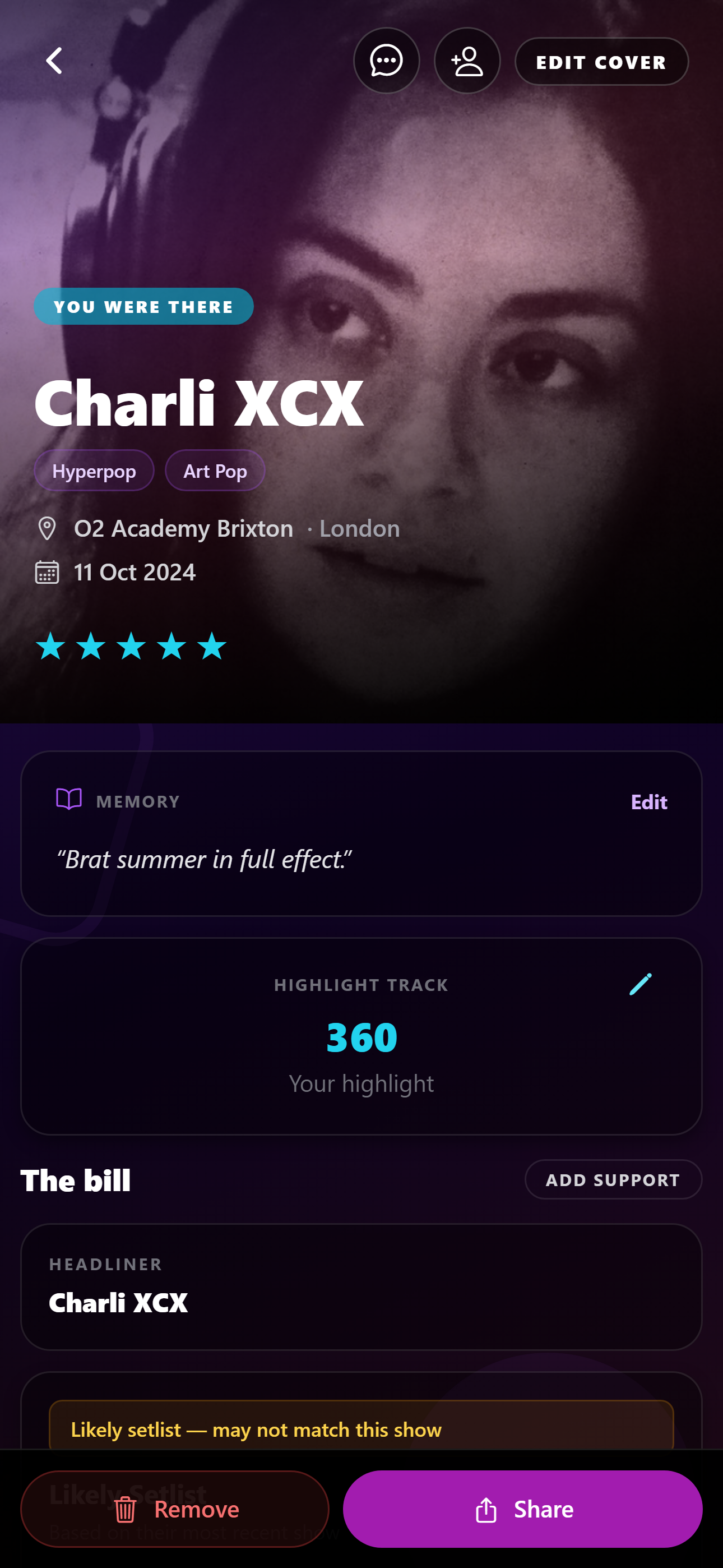
Organize concert photos without camera-roll chaos — Radar photos screen
Organize concert photos without camera-roll chaos in the Radar app.

A Tuesday club bill and a Saturday arena look the same in Recents: dark photos, stage lights, the back of someone’s head. Six months later you cannot search “Brixton” and get the right night.

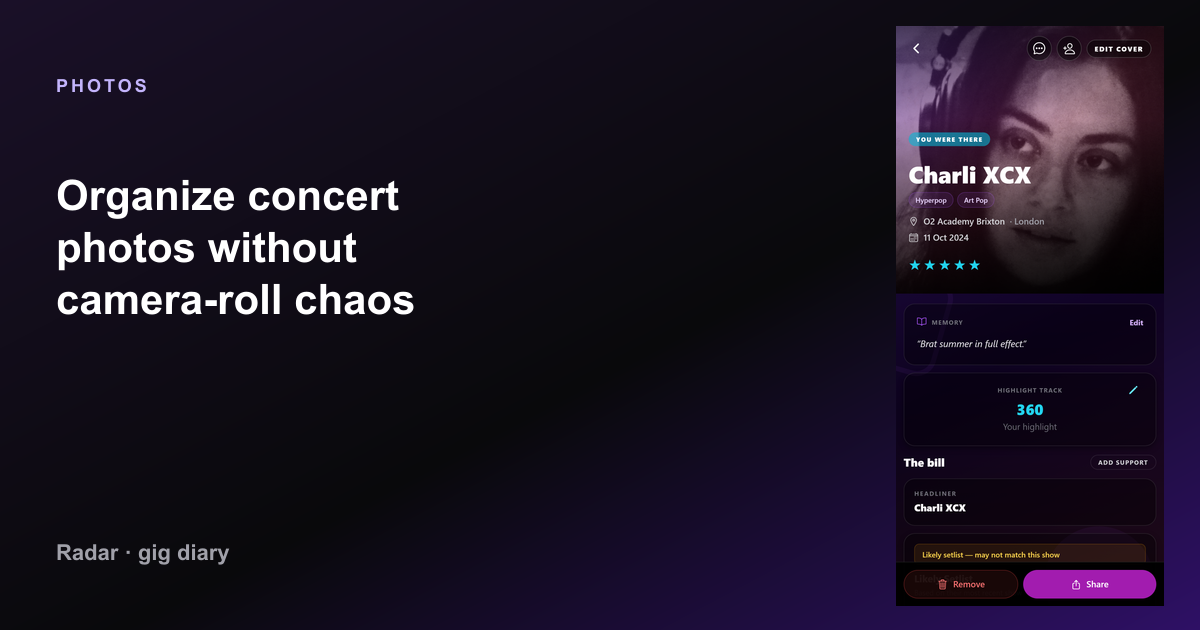
The fix is not more albums named “gigs”. It is attaching photos to a structured gig: artist, venue, date. Radar does that on the show page.

Log the gig first, then add pictures
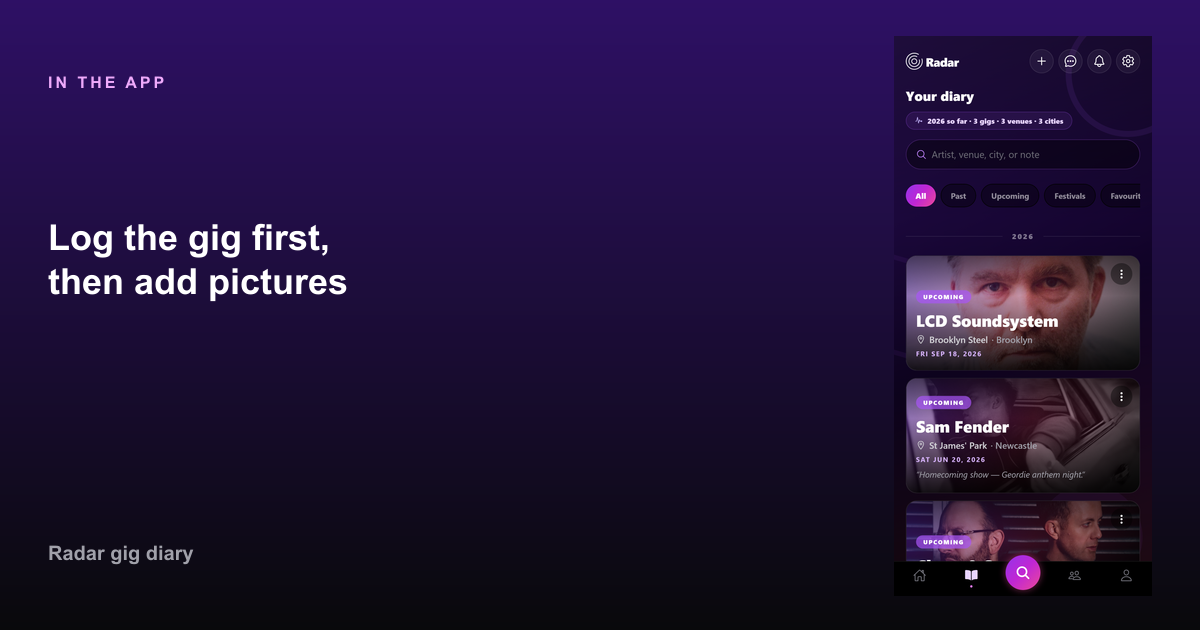
Log the gig first, then add pictures in Radar — Organize concert photos without camera-roll chaos
Log the gig first, then add pictures in Radar.

Add the show before you leave the venue (or the next morning). Then drop in a handful of photos — not the whole burst. The diary entry is the index; the pictures are evidence.

Radar Pro is built for photos per show. Free logging still keeps the night findable even if you keep images in the camera roll for now.

What to keep

Keep one wide shot of the room, one of the artist, and one of your crew. Delete the rest. Your future self will not want 80 near-identical frames.

Pair photos with the setlist and a rating. That is a recap you can share without dumping a raw camera dump into group chat.

FAQ

Common questions

How do I organise concert photos on iPhone?
Log the gig in a diary app, then attach the best shots to that night. Searching by artist or venue beats scrolling Recents.
Can Radar store gig photos?
Yes. Add photos on the gig page (Radar Pro unlocks the full photo experience). They stay tied to that show, not a generic album.

Start your gig diary

Free on iPhone and Android. Log your first ten gigs, then upgrade to Pro for unlimited history, the map, and Wrapped.

See all features →