
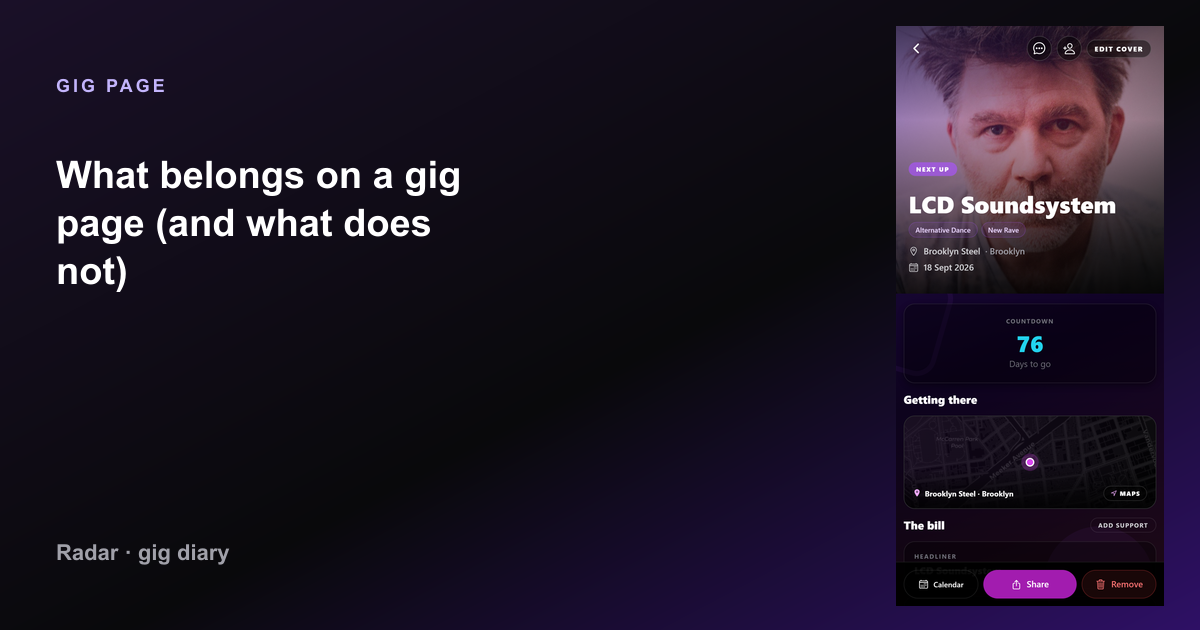
What belongs on a gig page (and what does not)

A useful concert entry has artist, venue, date, setlist, and the people who were there. Here is the field list behind a Radar gig — and the clutter to skip.

What belongs on a gig page (and what does not) — Radar gig diary
Gig page: What belongs on a gig page (and what does not)

The fields that identify the night
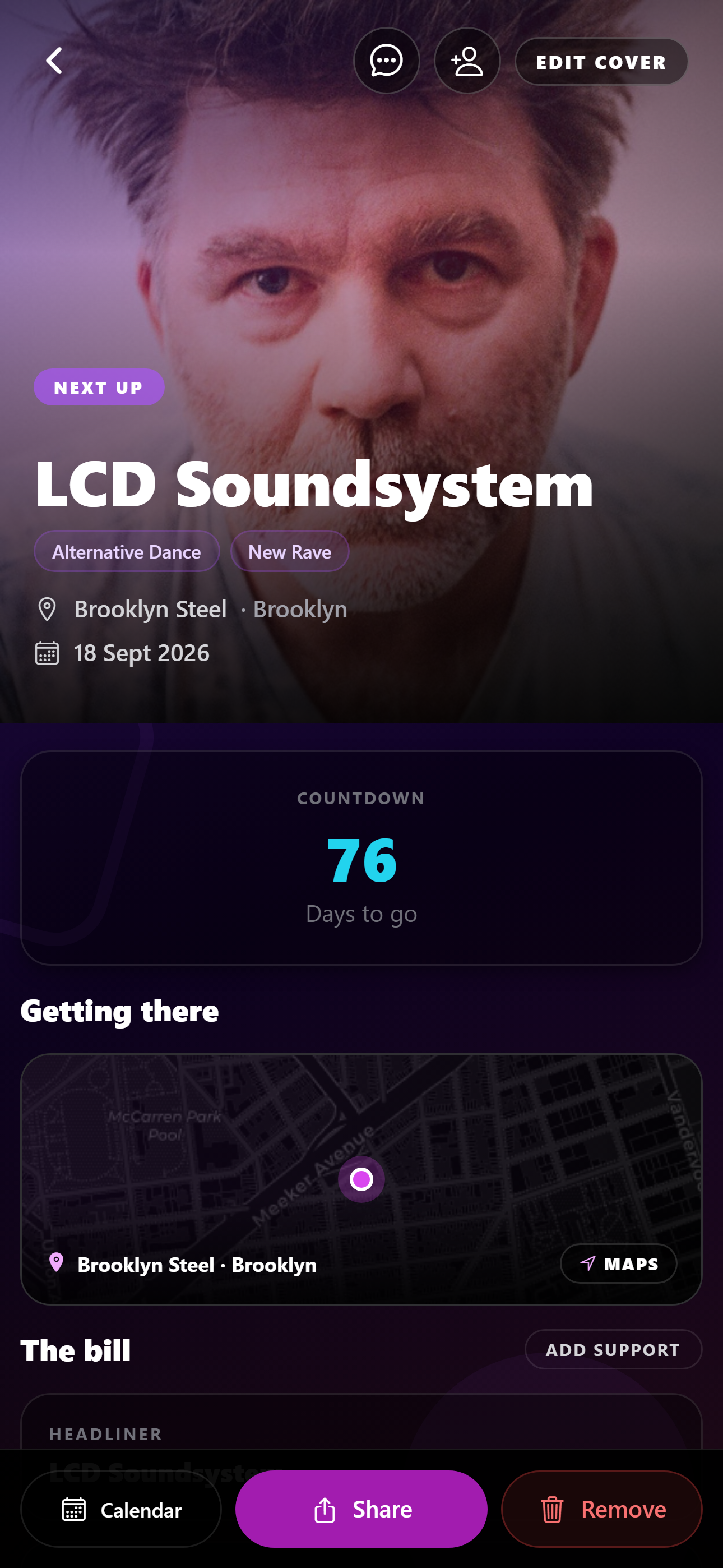
What belongs on a gig page (and what does not) — current Radar app
The fields that identify the night in the live Radar app.

Artist, venue, city, and date. Without those, you cannot tell two academy shows apart. Support acts belong on the bill when you saw them, under the headliner, not as a second fake headline unless they played their own date.

Radar’s gig page is that card: the listing if it is upcoming, your notes and photos if it is past, and the setlist when one exists.

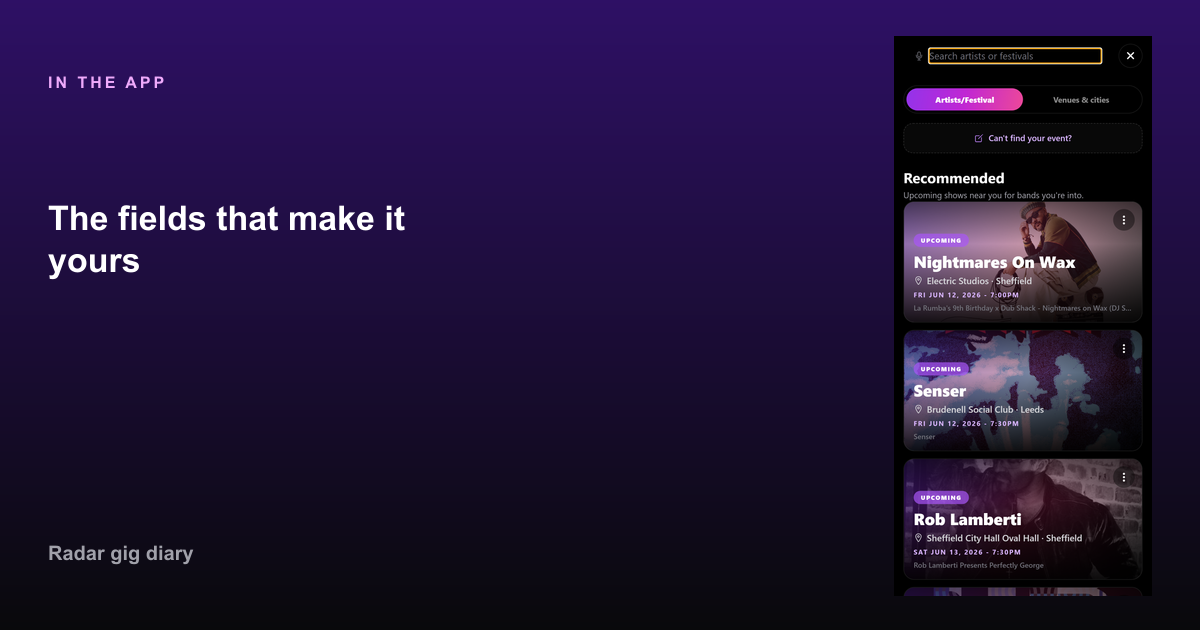
The fields that make it yours
The fields that make it yours — What belongs on a gig page (and what does not)
The fields that make it yours in Radar.

Rating, a short note, photos, and tagged friends. Those are optional and personal. They do not replace the date. A private diary can hold them without posting.

Upcoming gigs can sit on the same page shape before they happen, so the plan and the memory are not two apps.

Leave these off

Full ticket PDFs, every Story frame, and a copied Wikipedia biography. Door time can live in messages. The page should still make sense if you open it on a train in four years.

One gig, one night. Do not paste a whole tour routing into the notes.

FAQ

Common questions

What should a concert log include?
Artist, venue, city, date, and whether it was upcoming or past. Add setlist, rating, notes, photos, and friends if you have them.
Where do support acts go?
On the bill for that night, under the show you attended. Give them their own gig only if you saw them on their own date.

Start your gig diary

Free on iPhone and Android. Log your first ten gigs, then upgrade to Pro for unlimited history, the map, and Wrapped.

See all features →