
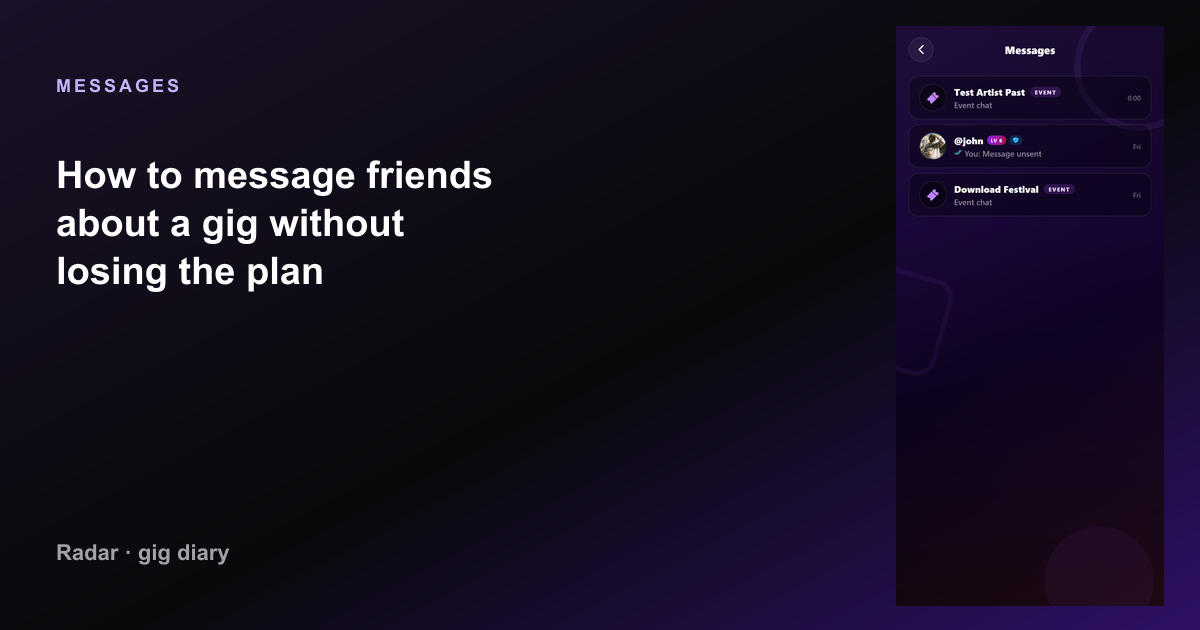
How to message friends about a gig without losing the plan

WhatsApp loses the date. A gig diary keeps the show, then messages sit next to it — who is going, who already went, and what you agreed.

How to message friends about a gig without losing the plan — Radar gig diary
Messages: How to message friends about a gig without losing the plan

The show has to exist before the chat
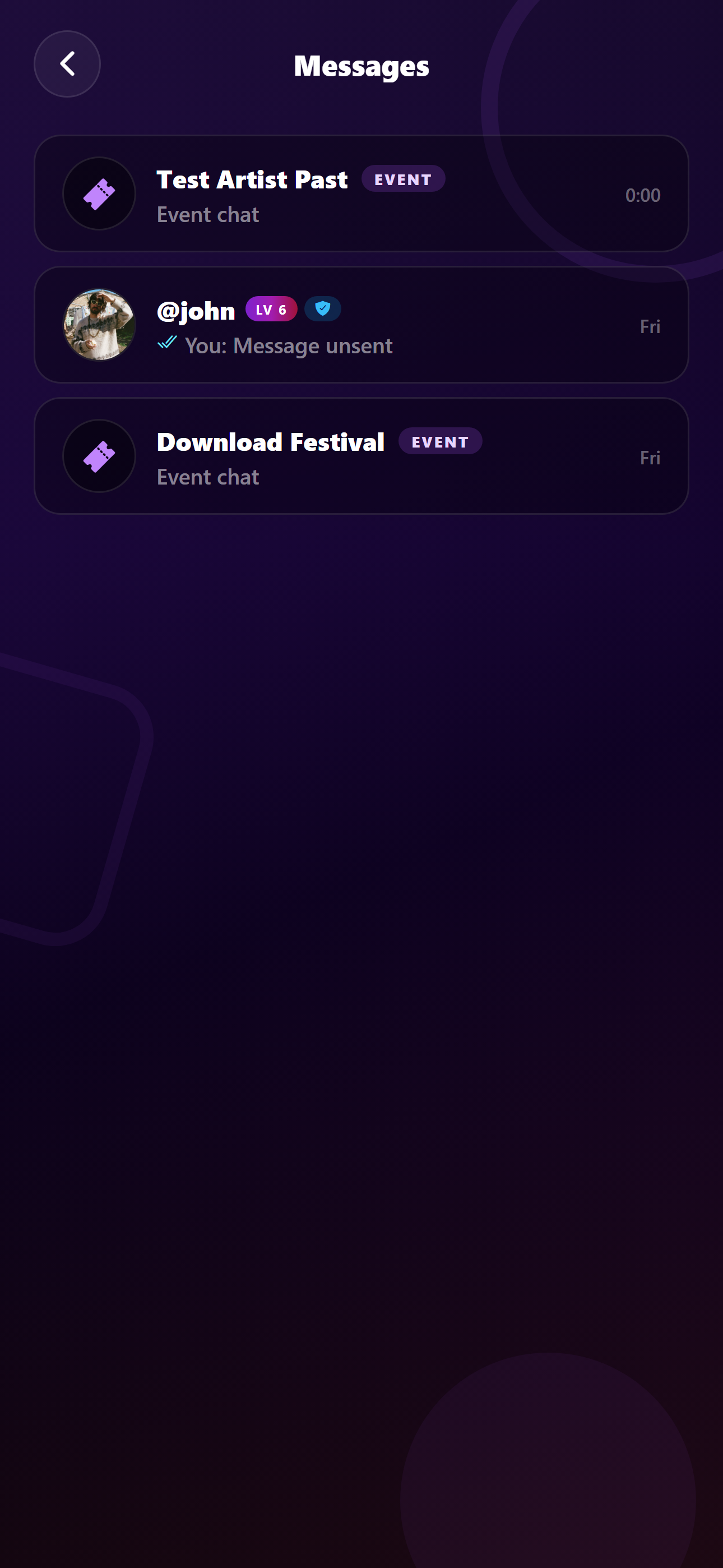
How to message friends about a gig without losing the plan — current Radar app
The show has to exist before the chat in the live Radar app.

A message that says “Friday?” is useless in March. Log or save the gig first: artist, venue, date. Then tell people. The plan has an object, not a scrolling thread.

Radar lets you keep the night on your diary and talk to friends in the app. The chat is for the people. The gig page is for the facts.

Tag the crew who were actually there
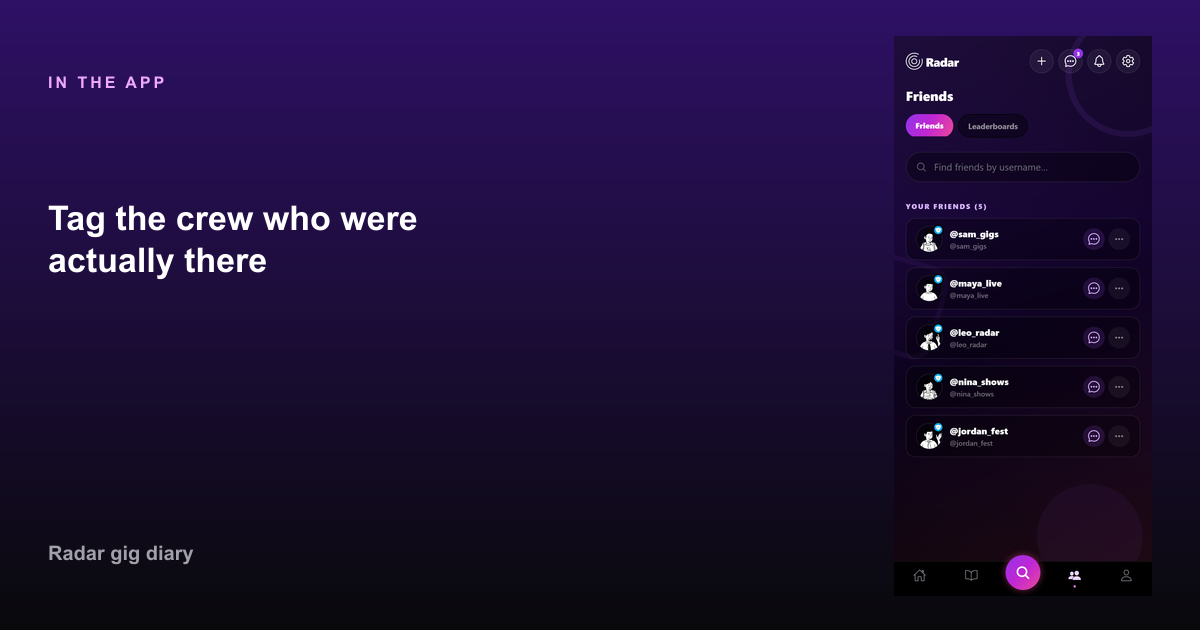
Tag the crew who were actually there — How to message friends about a gig without losing the plan
Tag the crew who were actually there in Radar.

After the show, tag friends who attended so their diary can match yours. That is more reliable than hoping everyone saves the same photo.

People who were invited and did not come should not be on the attended list. The message can say they could not make it. The gig should say who was in the room.

Do not use DMs as the archive

Links, door times, and “meet at the station” belong in the chat. The rating, setlist, and photos belong on the gig. If you only have the chat, you will not find the night again.

Upcoming shows stay in the diary until the date passes. Then they become history without you forwarding the thread to yourself.

FAQ

Common questions

How do I plan a concert with friends?
Save the gig with artist, venue, and date, then message the people you want to go with. After the show, tag whoever attended.
Should the group chat replace a gig diary?
No. Chats bury dates. The diary is the record. Messages are how you coordinate.

Start your gig diary

Free on iPhone and Android. Log your first ten gigs, then upgrade to Pro for unlimited history, the map, and Wrapped.

See all features →