
How to share a gig recap in 2026 (without spamming everyone)

Stories, group chats, and Wrapped slides: a simple way to post a concert recap people actually watch — one night, a few photos, the setlist.

How to share a gig recap in 2026 (without spamming everyone) — Radar gig diary
Share: How to share a gig recap in 2026 (without spamming everyone)

One night, one post

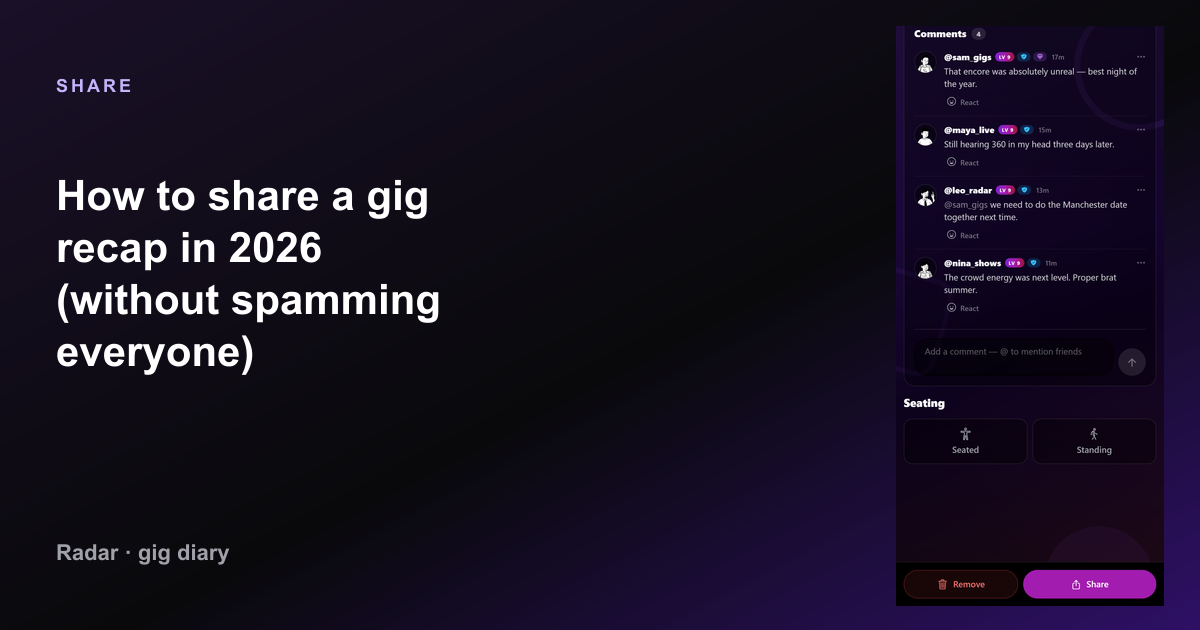
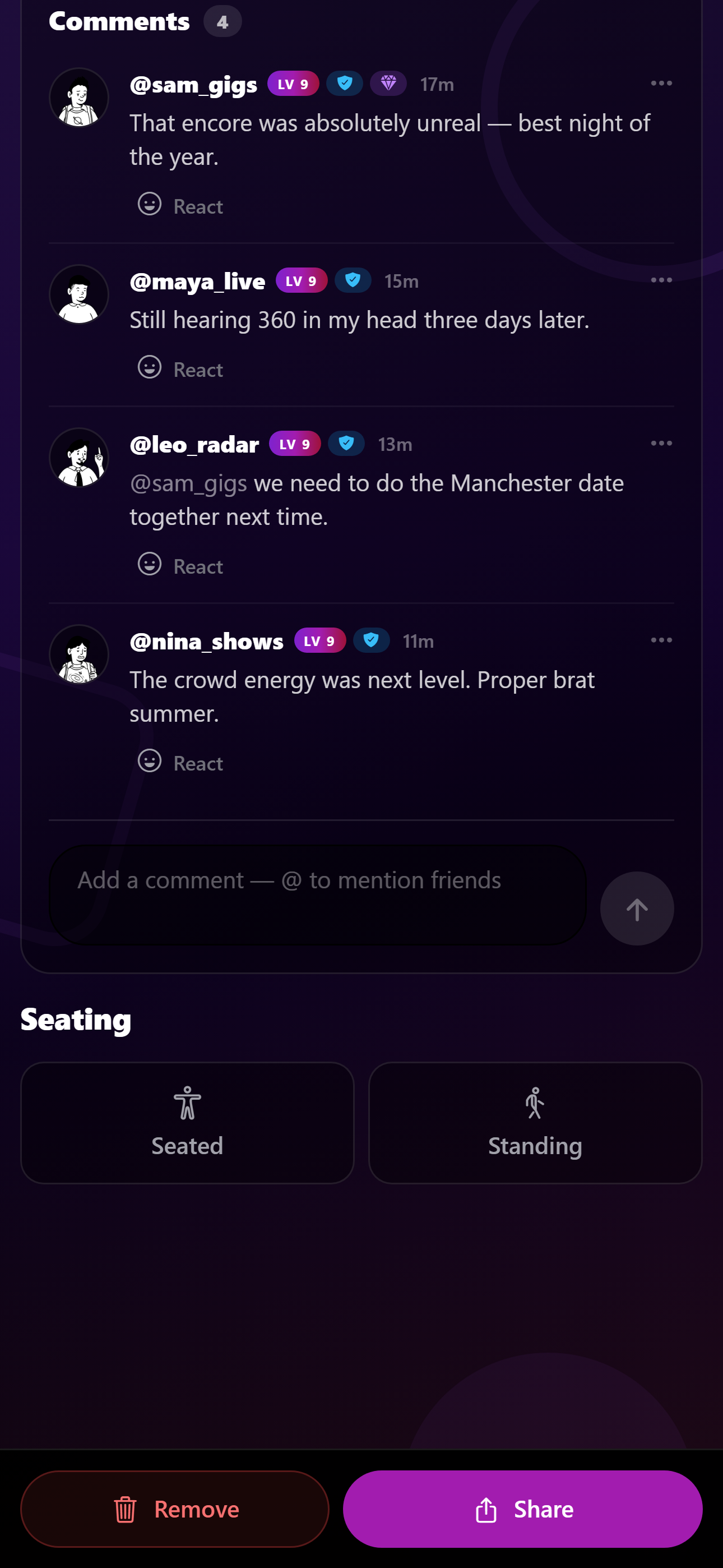
How to share a gig recap in 2026 (without spamming everyone) — Radar share screen
How to share a gig recap in 2026 (without spamming everyone) in the Radar app.

A 40-story dump from one gig is how people mute you. Pick three frames, name the artist and venue, and stop. The diary holds the rest.

Radar’s gig page is the private recap: rating, notes, setlist, photos, crew. Public sharing can be a single Wrapped-style slide or a link to the show if you want it public.

Group chat is not an archive
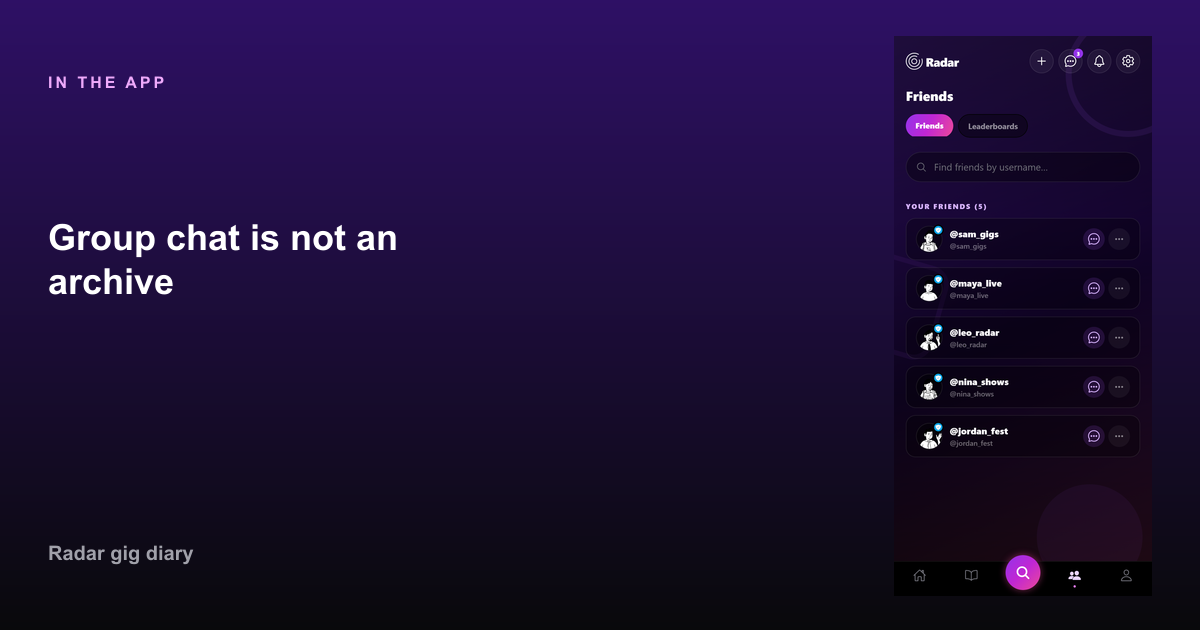
Group chat is not an archive in Radar — How to share a gig recap in 2026 (without spamming everyone)
Group chat is not an archive in Radar.

WhatsApp will bury the photos by Thursday. If the night mattered, log it first, then share a couple of pictures pointing at that gig — not the other way around.

Tag the friends who were there in Radar so they have the same night on their timeline. That is a recap they can find in 2028.

December is for the year, not every Tuesday

Concert Wrapped is the annual recap. Weekly recaps should stay small. If you post every support slot as a cinematic trailer, nobody will open the good one.

Write one sentence you will still agree with later: “Best crowd of the year” beats a paragraph of adjectives.

FAQ

Common questions

How do I share concerts from Radar?
Log the gig, add photos, then share Wrapped slides (Pro) or tell friends in DMs. The diary stays the source of truth.
Should I post every setlist?
No. Keep setlists on the gig page. Share a highlight song if it was the story of the night.

Start your gig diary

Free on iPhone and Android. Log your first ten gigs, then upgrade to Pro for unlimited history, the map, and Wrapped.

See all features →